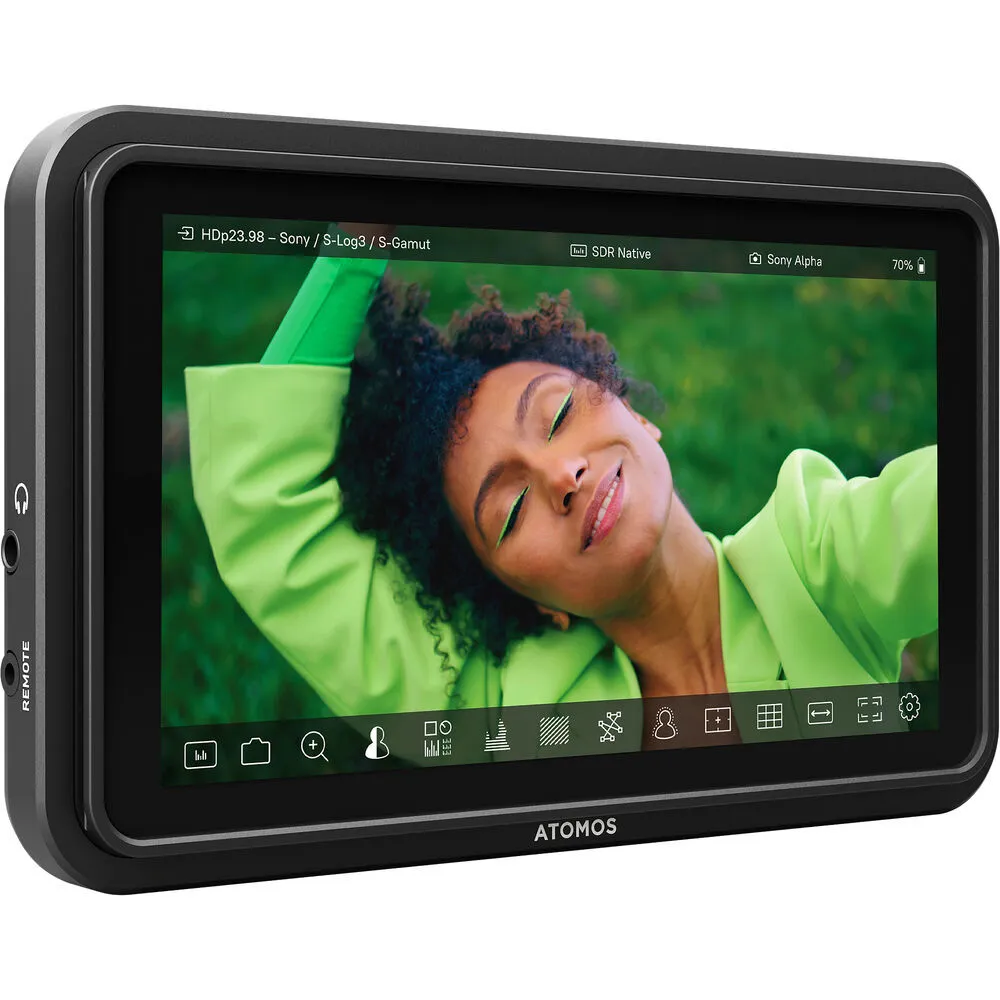
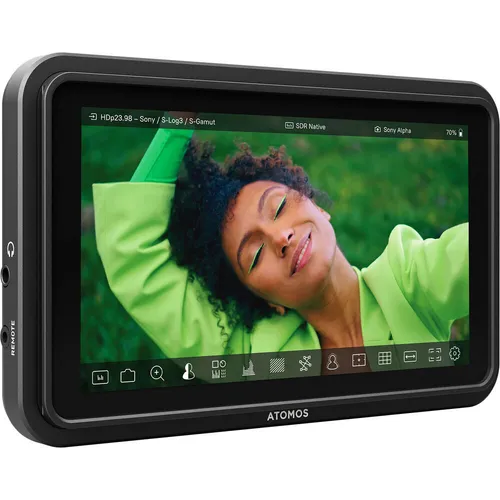
Atomos Shinobi II
A compact choice when the camera operator needs a larger view for focus, exposure and framing.
On-camera.png)
Rental guide
Viva Camera Rentals stocks on-camera, director and wireless monitors for film, commercial and documentary sets, with pickup at 777 The Queensway in Etobicoke, Toronto. Choose by who needs to see the image, how the camera connects and what the rental includes, then select dates to see current rates and availability.
Featured monitors. Scroll to see all six.
Quick answer
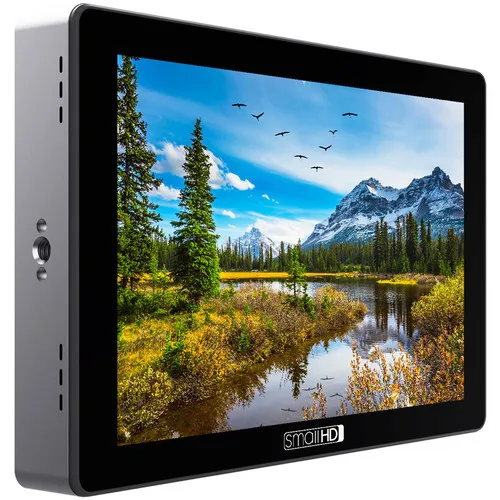
A compact choice when the camera operator needs a larger view for focus, exposure and framing.
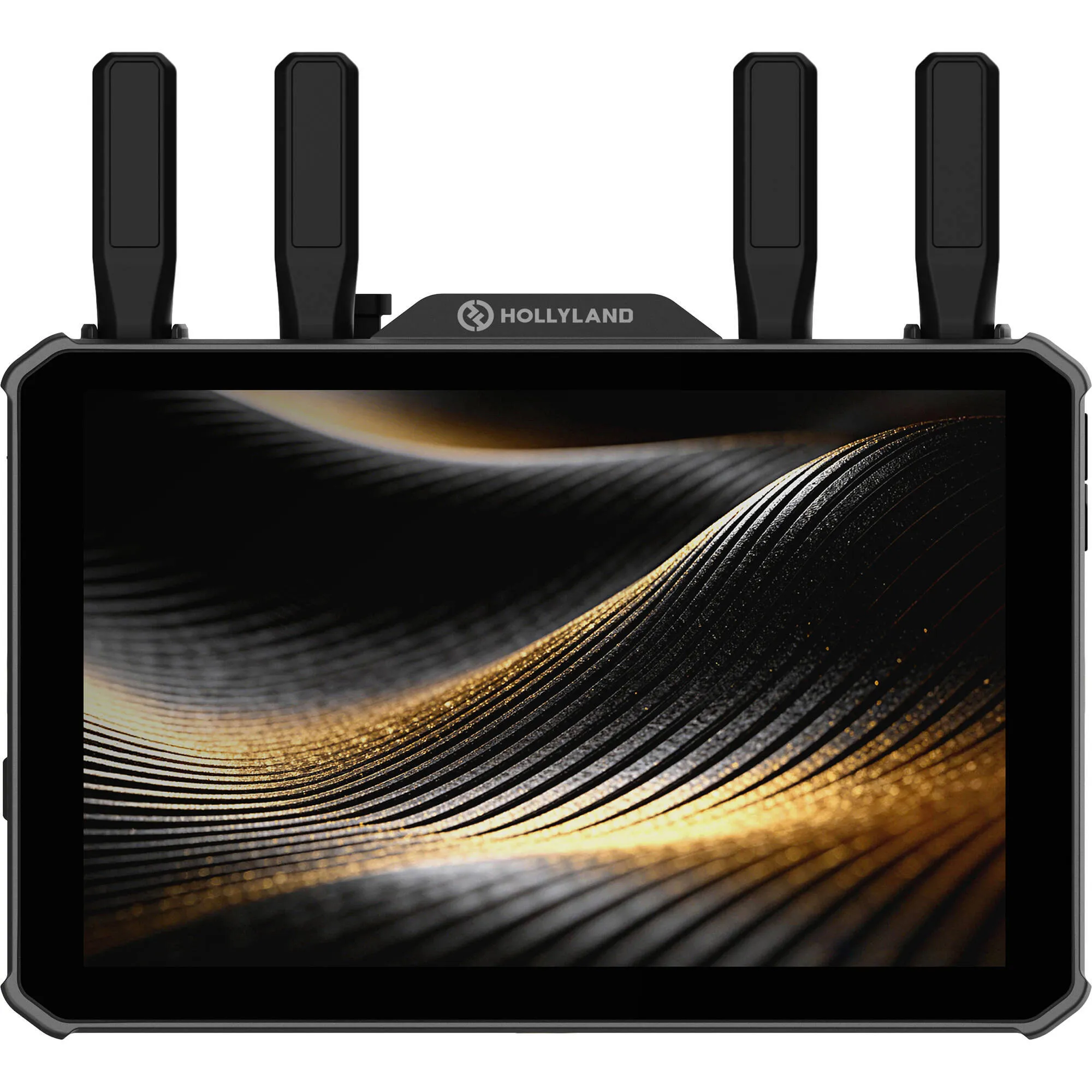
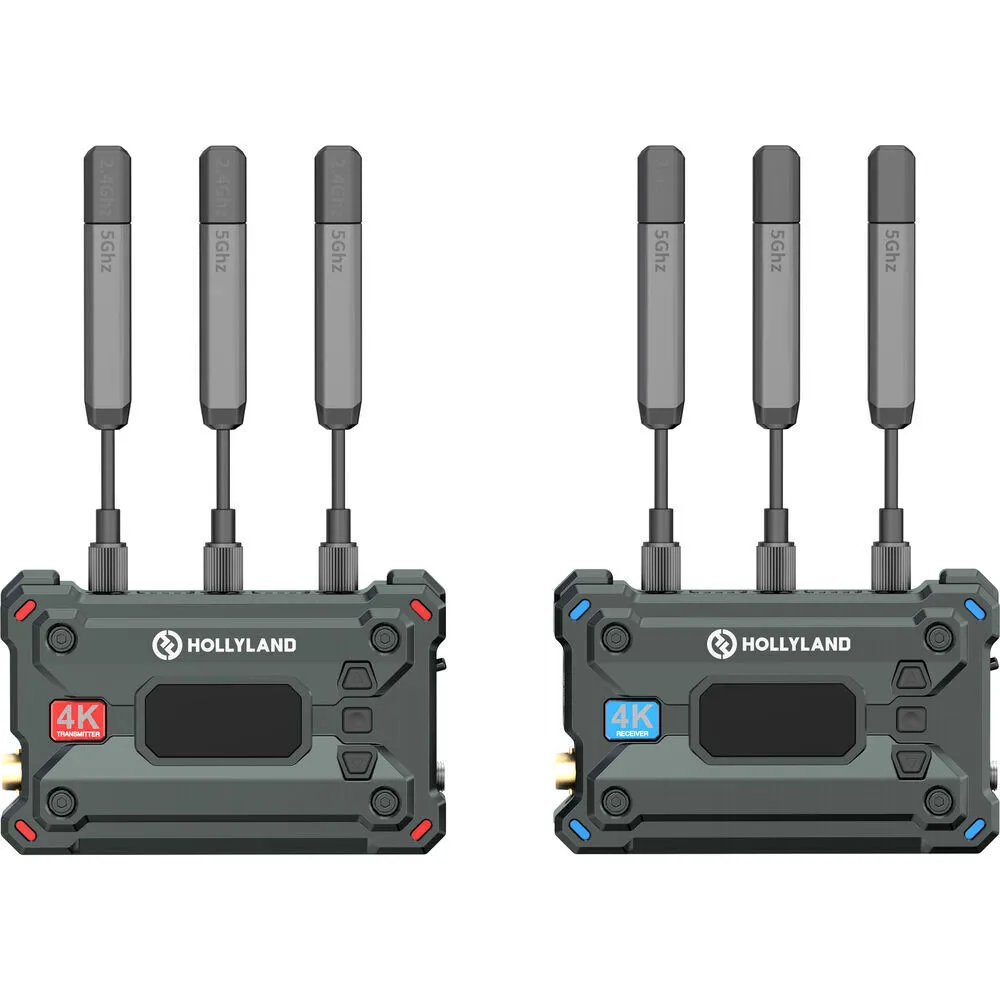
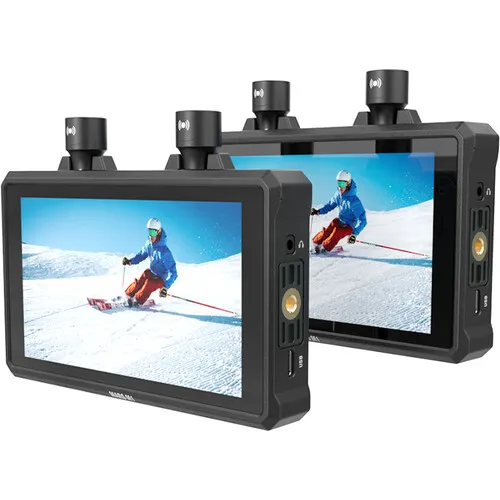
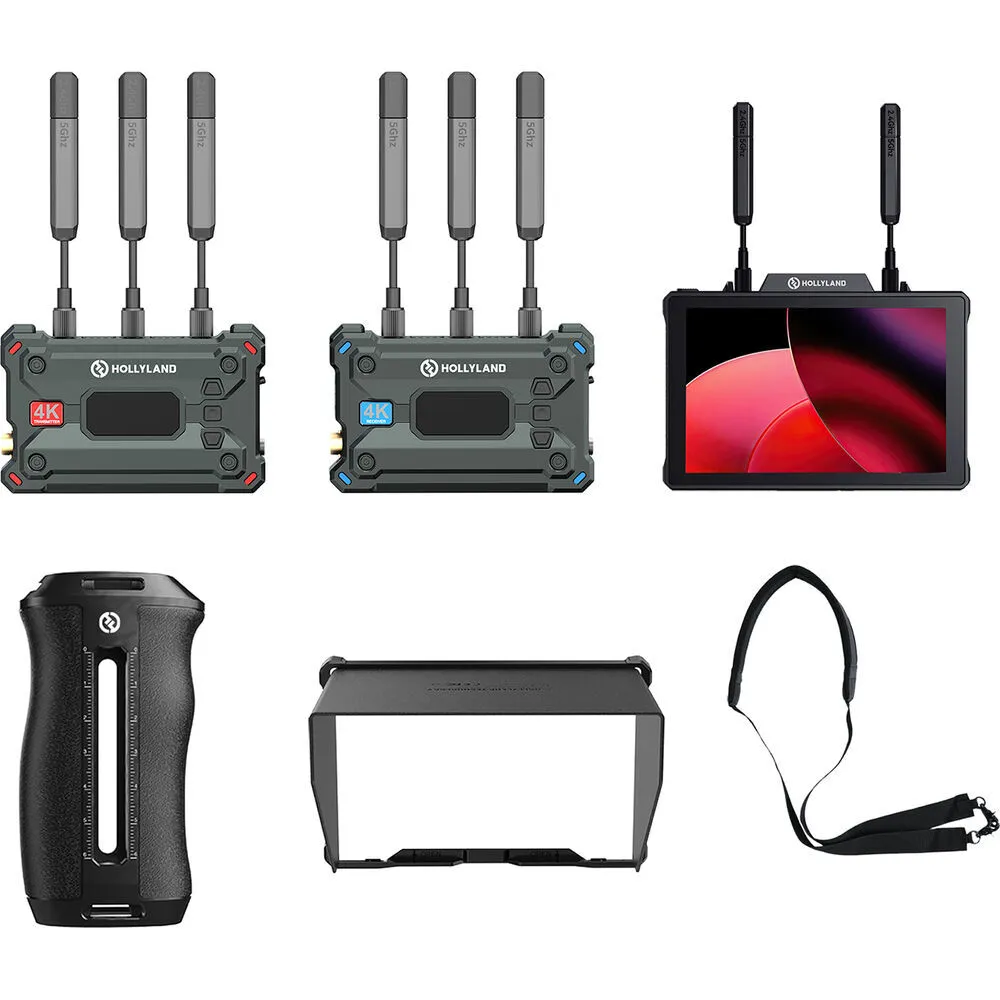
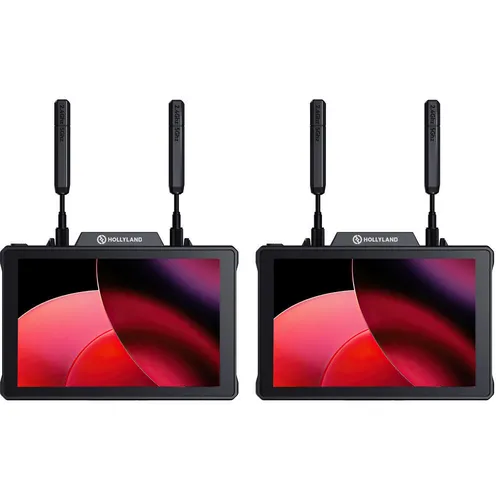
On-cameraChoose wireless monitoring when a director, client or crew member needs the camera image away from the camera.
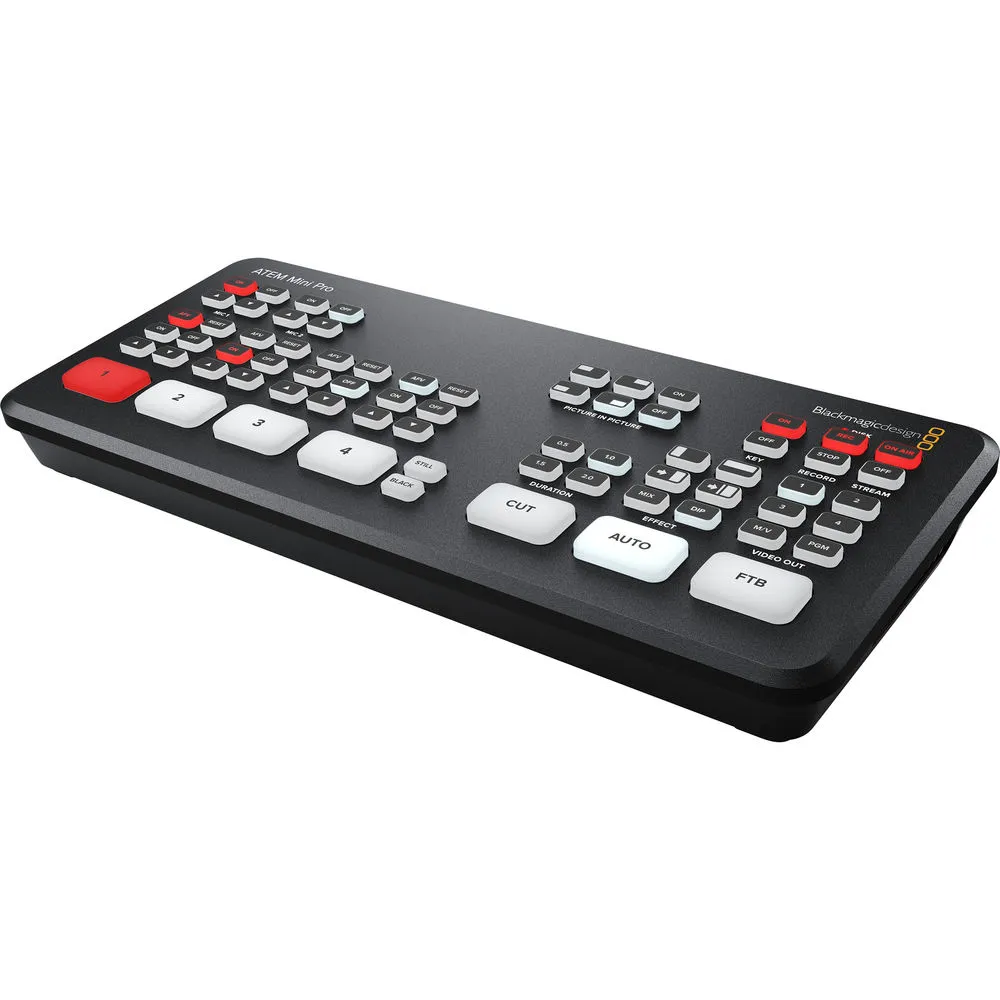
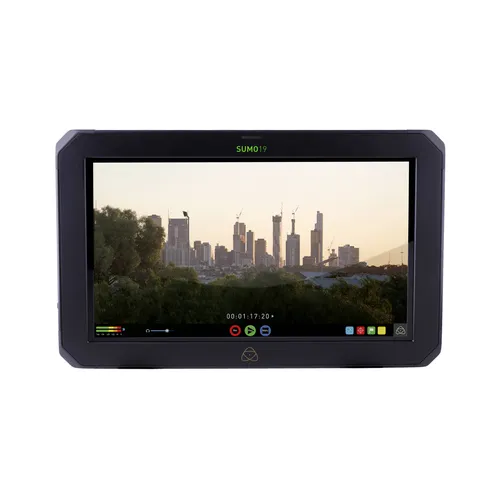
Wireless videoA 19-inch monitor for shoots that also need compatible camera feeds recorded or switched at the same station.
Record + switchTwo-step guide
Choose the monitor type first: on-camera for the operator, wired production for a shared viewing position, or wireless monitoring when the viewer is away from the camera. For wired production monitors, compare Entry, Standard and Premium after the signal path is compatible.
Start with who needs to see the image, where they will stand and how the signal reaches them. Tier and rate come after compatibility.
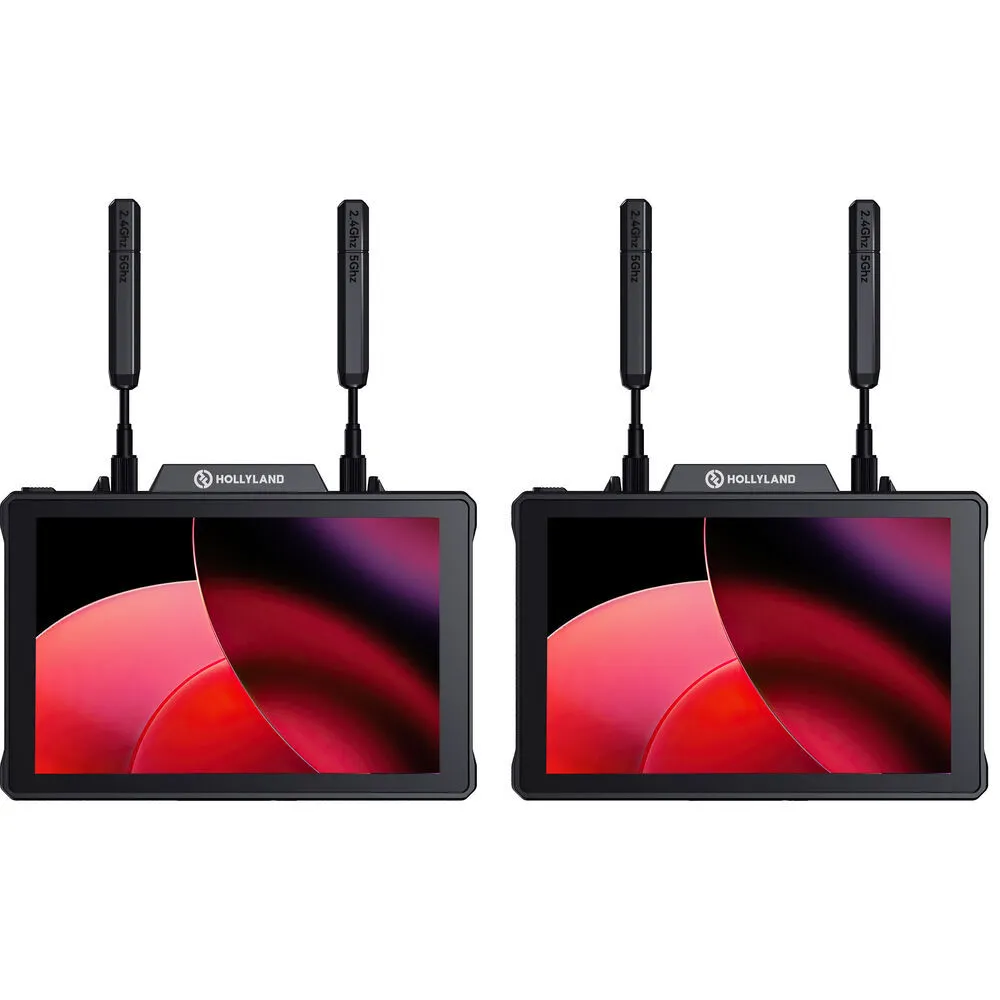
| Compare | On-cameraAtomos Shinobi II | Wireless monitoringHollyland Pyro 7 Pair | Wired productionAtomos SUMO 19 SE |
|---|---|---|---|
| Why choose it | A larger view that stays with the camera operator | The viewer needs the image away from the camera | A larger shared screen that can also record or switch compatible feeds |
| Who uses it | Camera operator | Director, client or crew member | Director, client or small group |
| Signal path | Direct camera connection; this representative model uses HDMI | HDMI or SDI through a matched wireless system | HDMI or SDI to a fixed viewing and recording station |
| Representative screen | 5.2-inch touchscreen | Pair of 7-inch transceiver monitors | 19-inch 1200-nit HDR display |
| Power and support | Requires a Sony NP-F/L-series battery or 10W USB-C PD power, plus a compatible camera mount | Each monitor accepts two Sony NP-F/L-series batteries or 10 to 18V DC power. Batteries are extra; confirm which power cables are included. | External power and a sturdy stand or cart |
| Confirm before booking | Camera HDMI output, cable, mount and power | Exact kit, camera output, shoot layout and power | Signal format, feed count, frame rate, recording media, support and power |
The Hollyland manufacturer rates Pyro 7 transmission for up to 1,300 feet line-of-sight under its stated test conditions. Buildings, interference and the shoot layout can reduce real-world range.
Entry, Standard and Premium compare products within the same wired-production workflow. A higher tier is useful only when its added capability solves a real need; rate does not define the tier.
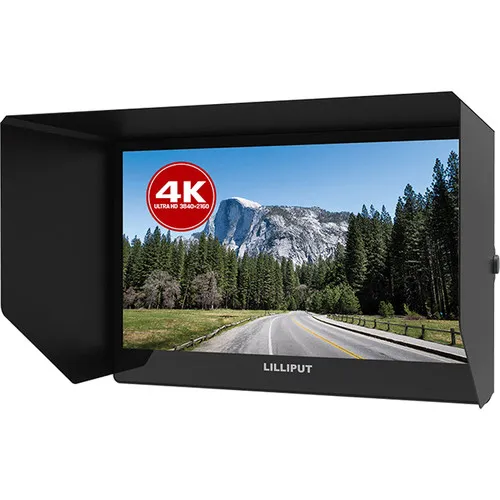
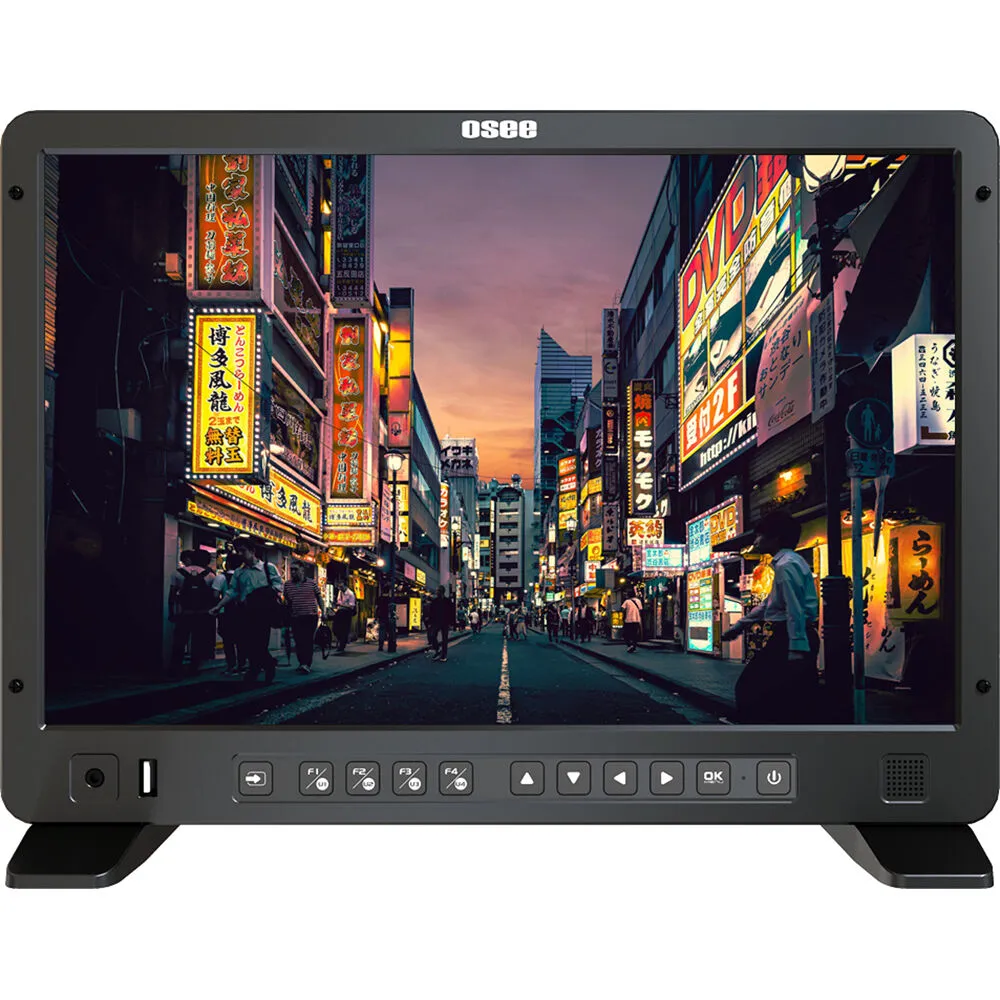
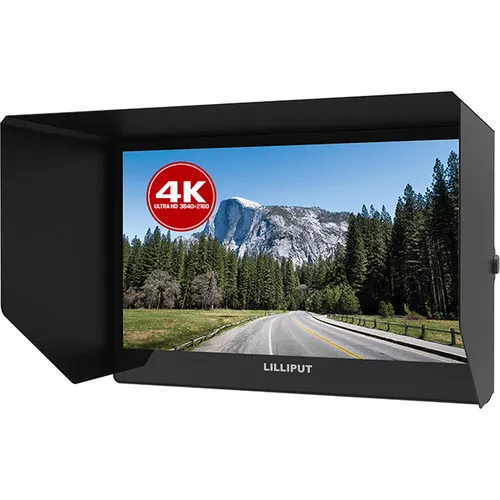
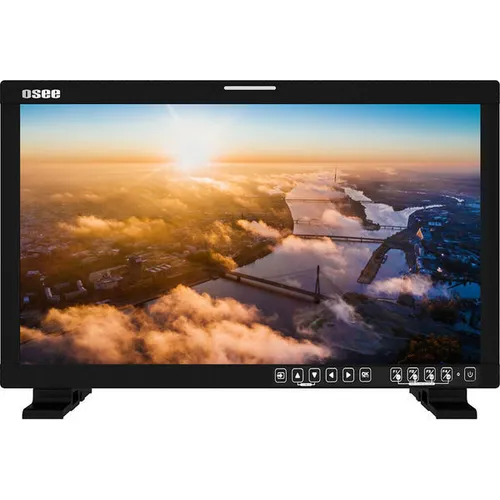
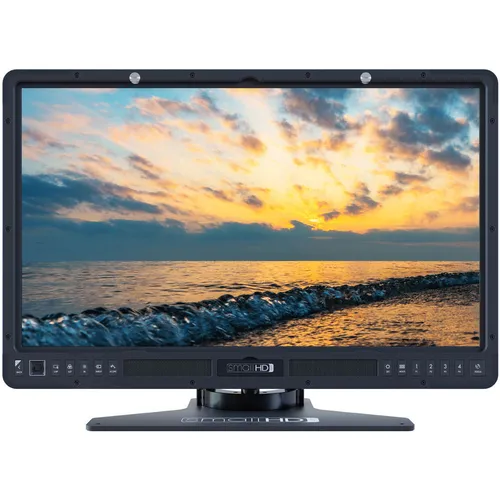
| Compare | EntryLilliput A12 | StandardOSEE LCM215-HDR+ | PremiumSmallHD 2403 HDR |
|---|---|---|---|
| Best fit | A compact, single wired viewing position. | A director, client or small group sharing one wired viewing station. | A production that specifically needs a premium 24-inch viewing station. |
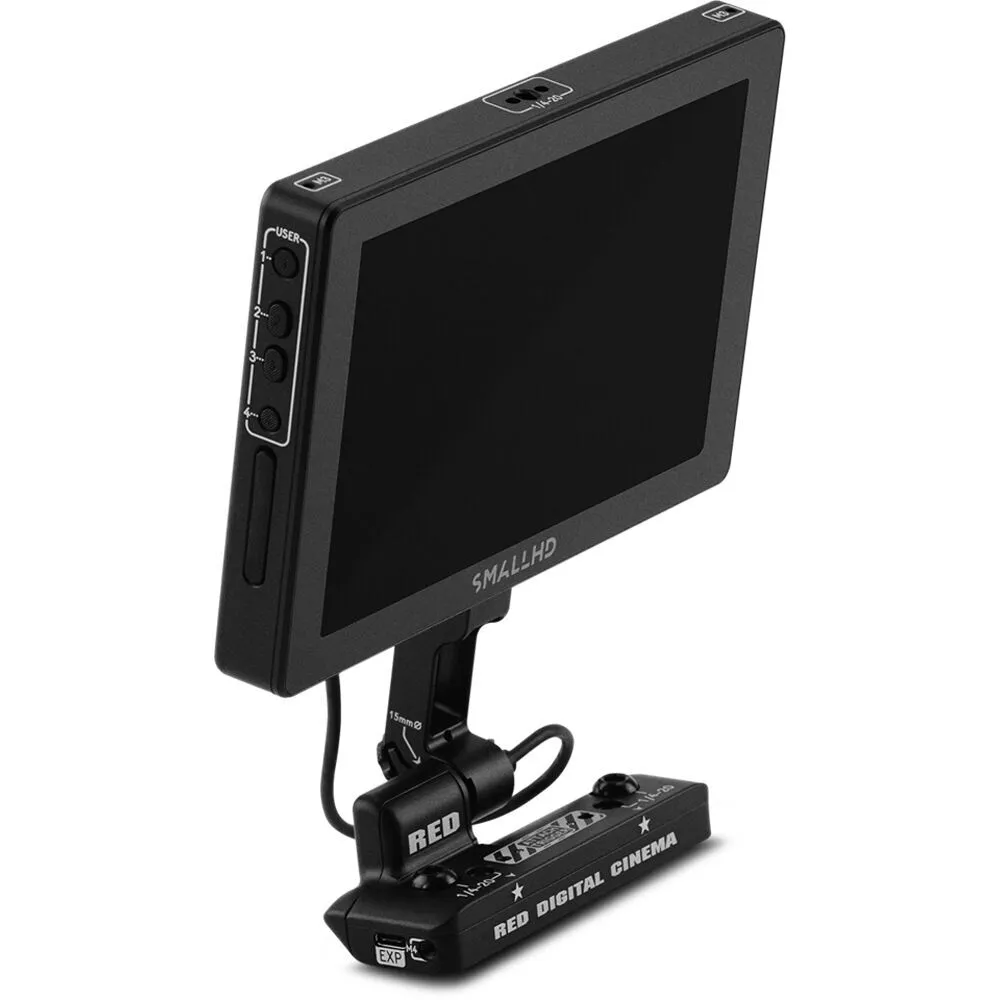
| What changes | A 12.5-inch screen in the smallest setup in this wired-monitor comparison. | A 21.5-inch display with verified HDMI and SDI inputs. | A 24-inch 1000-nit IPS display with 10-bit HDR preview, ColorFlow 3D LUT processing, Page Builder OS, 2x SDI inputs and 1x HDMI input. |
| Why choose it | Choose it when you need more viewing space than a small on-camera monitor without building a larger video-village station. | Choose it as the balanced starting point when several people need one larger screen. | Choose it when the larger display or SmallHD monitoring tools solve a specific production need. |
| Main trade-off | Less shared viewing space than the 21.5-inch and 24-inch options. | Needs more support, power and setup space than a compact monitor. | The largest support footprint in this comparison; preview tools do not prove colour accuracy or calibration. |
| Screen size | 12.5-inch | 21.5-inch | 24-inch |
| Confirm before booking | Camera output, monitor input, cable, support and power. | Signal format, cable run, stand or cart, power and included accessories. | Signal format, cables, stand or cart, power and any colour-critical workflow. |
The Atomos SUMO 19 SE changes the job by adding recording and switching. It is not simply a tier above Premium. Camera-specific monitors are also separate specialist paths.
Common setups
Plan who needs the picture, where they will be, how the signal gets there and what has to move during the shot.
Use a compact on-camera monitor when the operator needs a larger image while moving with the camera.
Confirm the camera output, cable, mounting point and power before booking.
Use a larger production monitor when several people need to review the same image from one viewing position.
Plan the stand or cart, cable run and power source.
Use a wireless monitoring kit when the camera and viewing position cannot stay connected by cable.
Confirm the exact transmitter, receiver or transceiver setup included with the selected kit.
Use a monitor-recorder-switcher when the viewing station also needs to record compatible feeds or switch between supported sources.
Confirm the camera outputs, feed count, formats, frame rates, recording media, support and power before booking.
Signal path
A screen displays the picture. Depending on the shoot, you may also need wireless video, a converter or a switcher to get the right image to the right people.
Use an on-camera or production monitor.
Use a wireless monitoring kit when the viewer cannot stay connected to the camera by cable.
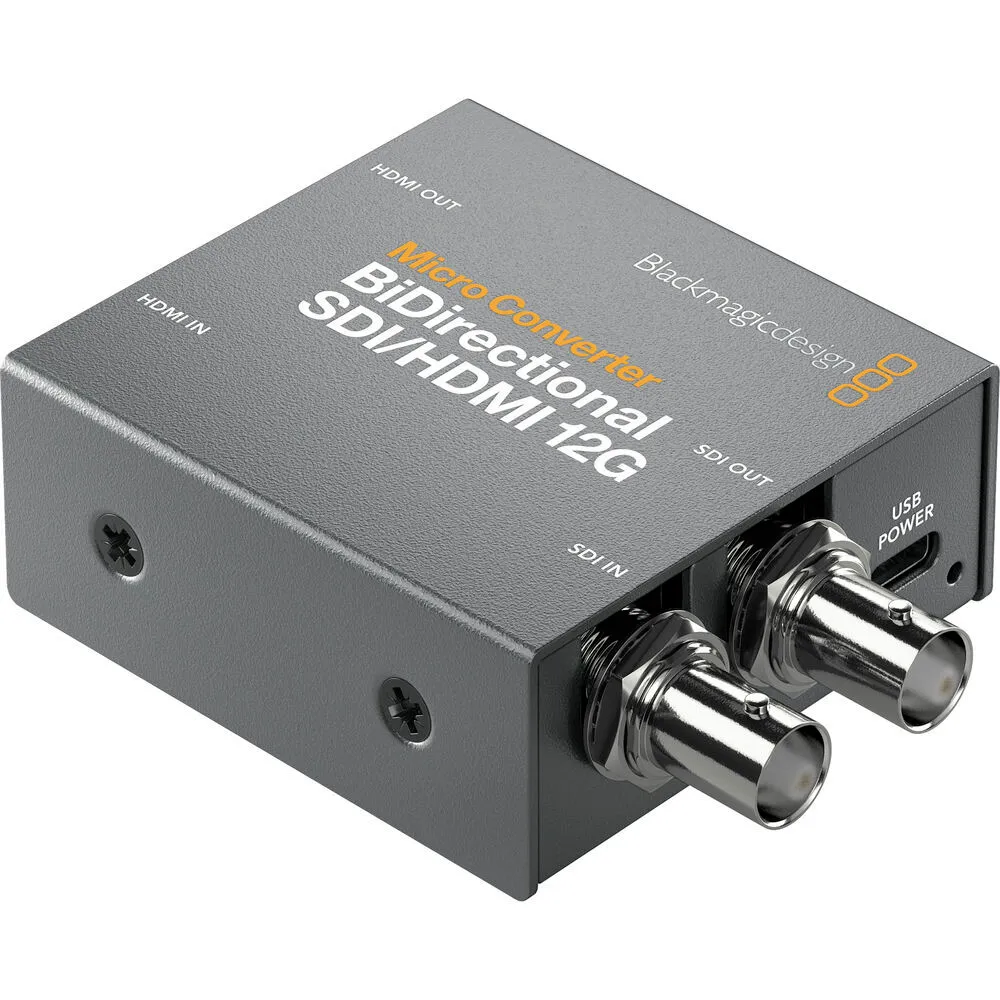
A signal converter can bridge equipment that does not share the same connection. It does not replace the monitor.
A switcher manages multiple camera sources. It still needs a compatible display or output destination.
Setup planner
Choose the viewing setup and camera output first. The planner will name a specific product when the information supports one, or a product type when another fact still needs to be confirmed. Compare tiers only after the workflow is compatible.
Recommended starting point
Start with Atomos Shinobi IIExact catalog productAtomos Shinobi II 5.2" HDMI HDR Monitor
A compact HDMI monitor suits one viewer who stays with the camera.
Confirm the camera HDMI output, required resolution and frame rate, cable, mount and power before booking.
Current availability is confirmed after you choose dates in the booking section.
Check whether the camera sends HDMI or SDI and whether the monitor accepts that connection. Also confirm the cable, resolution and frame rate required for the shoot.
An on-camera monitor needs a compatible mounting point and power source. A larger production monitor may need a stand or cart, a longer signal cable and separate power.
Check what connects to the camera, what the viewer receives, how each unit is powered and which cables and accessories are included with the selected kit.
Rental checklist
Confirm the camera, viewing position, signal path, power and support before you choose dates.
Operator, focus puller, director, client or several viewers.
Confirm HDMI, SDI or another required connection.
Plan the distance and where the camera and viewers will move.
Confirm batteries, power supplies, mounts, stands or carts.
Check the exact product page for included cables and accessories.
Say whether you only need to see the image or also need recording, conversion or switching.
Start with the viewing position. Choose a compact on-camera monitor for the camera operator, a wireless monitoring kit when the viewer needs to be away from the camera, or a larger production monitor for director, client or video village viewing. Then confirm the camera output, cables, power and included equipment.
An on-camera monitor travels with the camera and gives the operator a larger image. A larger production monitor usually serves a director, client, focus puller or group viewing position away from the camera.
Yes. Viva Camera carries current Hollyland wireless monitoring kits. The exact setup varies by product, so confirm what connects to the camera, what each viewer receives and what power and cables are included.
Check the output on the camera and the input on the monitor or wireless system. Also confirm the cable length, resolution and frame rate. If the connections do not match, you may need a converter.
A converter changes one connection format to another. A switcher manages multiple camera sources. Neither replaces the monitor that displays the image.
Yes. The Atomos SUMO 19 SE adds monitoring, recording and switching. HDMI is a single-feed monitoring and recording path; multicamera switching requires compatible SDI feeds. Confirm feed count, formats, frame rates, media, power and support before booking.
Entry is the simplest compatible option for a small viewing position. Standard balances screen size, connections and setup needs for common production work. Premium adds verified capability for a specific production need. Choose the compatible monitor type first. This page compares tiers only for wired production monitors because that is where the current inventory supports a defensible ladder.
No. A higher rate may reflect a larger screen, wireless equipment, recording or switching, or a camera-specific product. The right choice is the least complex compatible option that covers the viewing, connection, support and workflow needs of the shoot.
Included cables, power supplies, batteries and mounting accessories vary by product. Check the exact product page and reservation details, then add any required support items before checkout.
Use the Reserve equipment button to go to the booking section. Choose your dates to see the current rental price and availability for each product.
Pick up at Viva Camera, 1-777 The Queensway in Toronto. Same-day pickup works on in-stock gear when you book before close.
Ready to reserve?
Choose your dates for pickup at 1-777 The Queensway, Toronto. If you are unsure what will work with your camera or signal path, call or text us with the camera model and viewing setup.