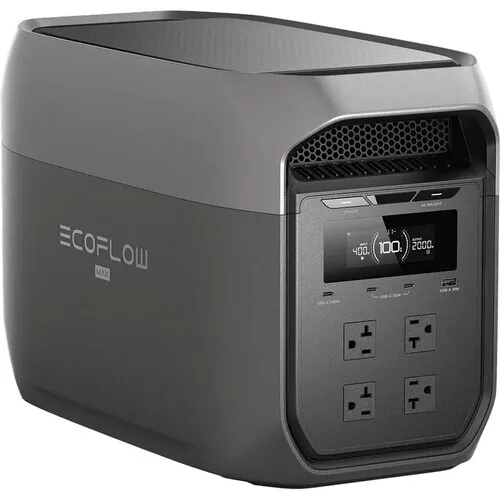
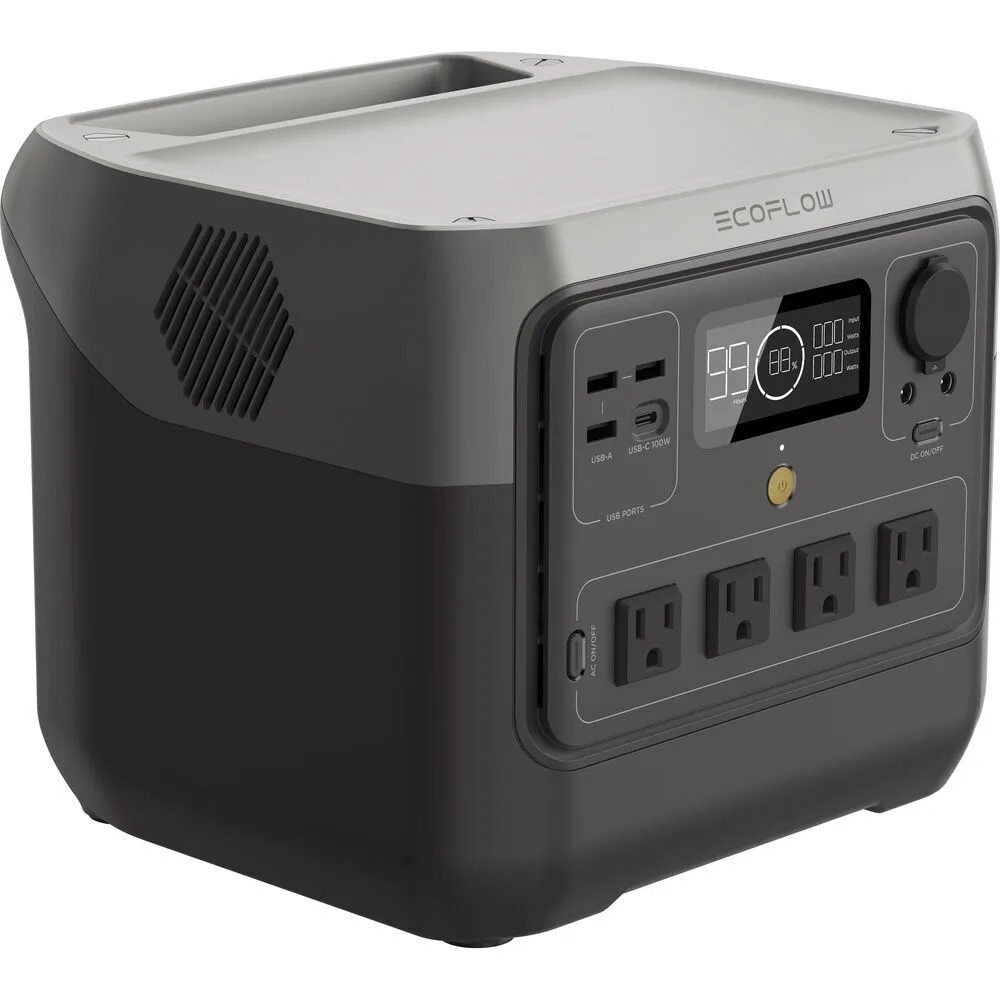
DELTA 3 Max
A good starting point for interviews, small lighting packages and mobile production carts.
Viva Camera pick.png)
Rental guide
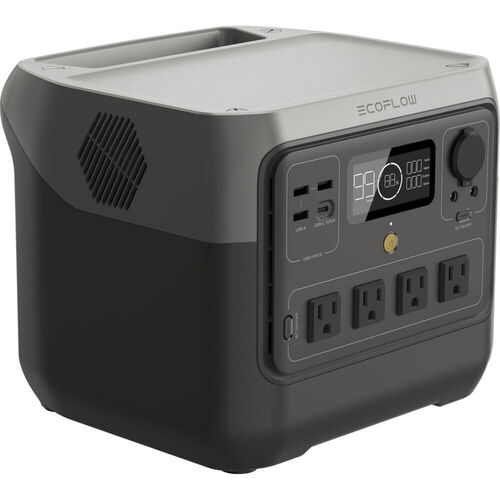
Rent EcoFlow portable power stations in Toronto to power lights, monitors and audio gear or charge devices on location shoots. Compare current models, estimate runtime and reserve equipment for your dates.
Quick answer
A good starting point for interviews, small lighting packages and mobile production carts.
Viva Camera pickChoose this for longer runtime or equipment that needs higher continuous output. It is the heaviest option.
Highest capacityChoose this for laptops, monitors, audio gear, small LED lights and charging.
Most portableModel guide
Capacity in watt-hours (Wh) helps estimate runtime. Continuous output in watts (W) shows how much equipment the station can power at once. Check both before you choose.
| Compare | DELTA Pro 3 | DELTA 3 Max | RIVER 2 Pro |
|---|---|---|---|
| Capacity | 4096Wh | 2048Wh | 768Wh |
| Continuous output | 4000W | 2400W | 800W |
| Short-term output | 8000W surge | 4800W surge | X-Boost up to 1600W* |
| Approximate charge time | 0–80% in 50 minutes | 0–80% in about 68 minutes | 0–100% in about 70 minutes |
| Weight and handling | 51.5 kg, rolling | 20.3 kg | Compact carry |
| Best for | Large lighting setups or longer shoots | Interviews and small lighting setups | Laptops, audio and small lights |
| Watch for | Weight, stairs and vehicle access | Total wattage of lights | 800W continuous limit |
* X-Boost does not provide 1600W of continuous power for every type of equipment. Check compatibility and plan around the rated 800W continuous output.
Common setups
Start with the equipment you will run at the same time, how long it needs power, whether you can recharge and how you will move the station onto set.
This setup usually needs less power and may work with a smaller, easier-to-carry station.
Choose a larger station if your equipment uses more power or needs to run longer.
A camera, laptop and small LED lighting setup can need more power than a basic charging station provides.
Add the wattage of everything that will run at once, including any extra power needed at startup.
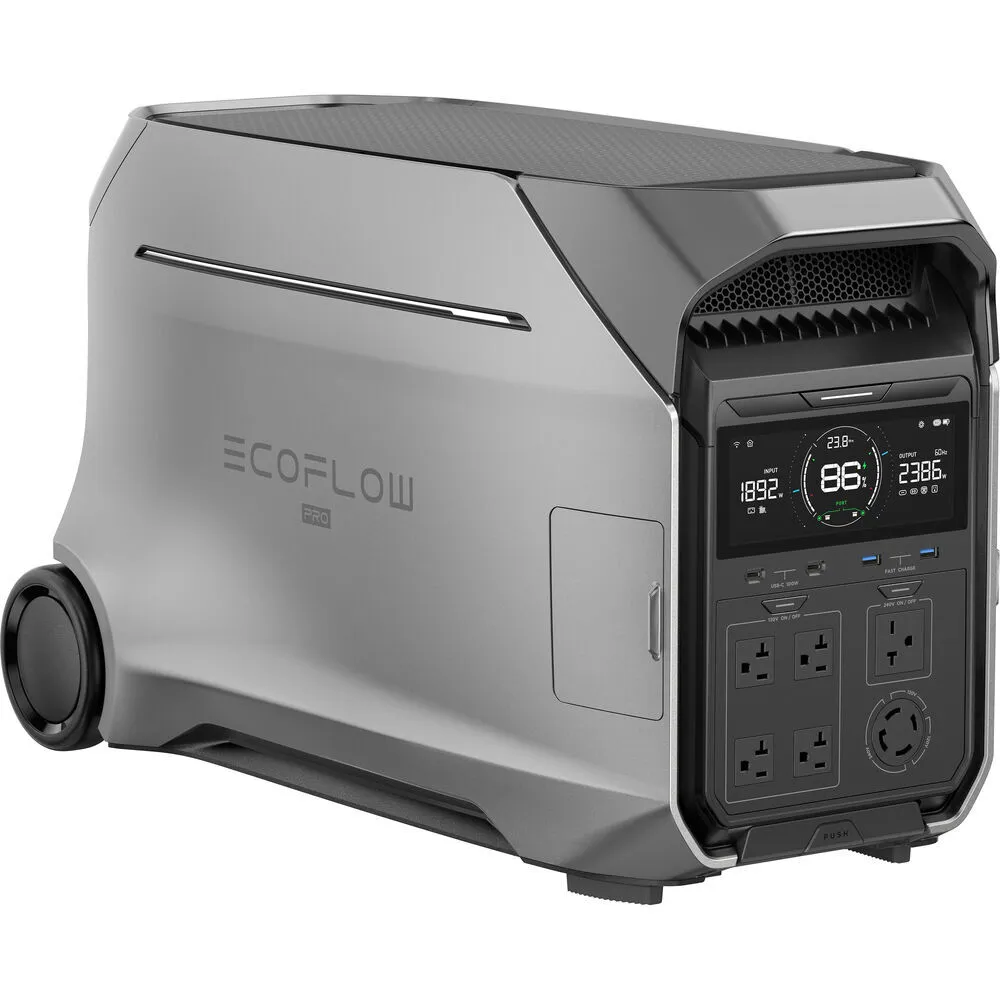
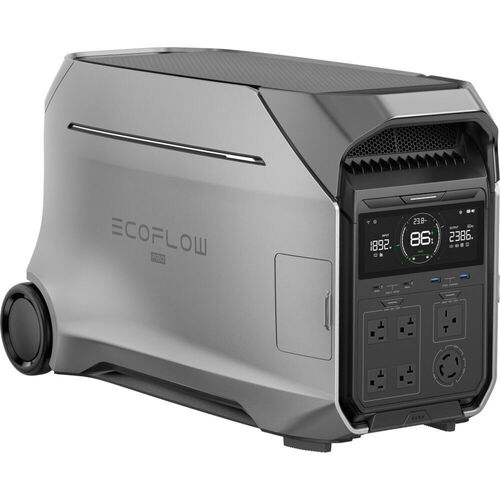
For larger lighting setups or longer shoots, the DELTA Pro 3 provides 4096Wh of capacity and 4000W of continuous output.
The DELTA Pro 3 weighs 51.5 kg. Check parking, stairs, elevators and the path to set.
Battery power avoids engine noise and exhaust, making indoor use easier when the station can power your equipment.
Cooling fans may still run depending on the load, charging and temperature.
Runtime planner
Enter the total average wattage of the equipment running at the same time. The estimate allows 15% for power-conversion losses and changing conditions.
Planning estimate
8.7 hours2048Wh × 0.85 ÷ 200W. Actual runtime varies with changing power use, startup power, temperature, battery condition and power-conversion losses.
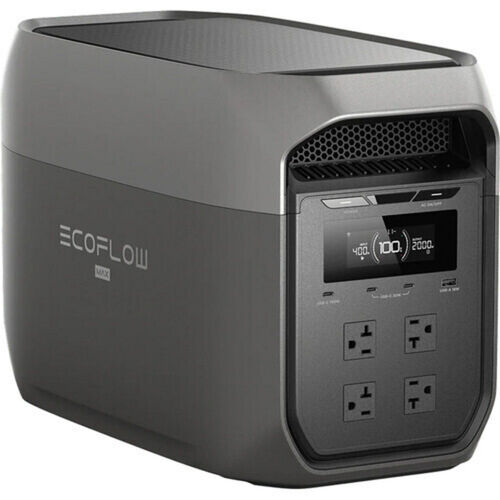
capacity Wh × 0.85 ÷ average WWatt-hours (Wh) measure rated battery capacity. At 2048Wh, the DELTA 3 Max has about 2.7 times the capacity of the 768Wh RIVER 2 Pro. Actual runtime still changes with the connected equipment and power-conversion losses.
Continuous output in watts (W) is the amount of AC equipment a station can power at once. Add the wattage of everything that will run together, choose a rating above that total and check for extra startup power.
Brightness, charging, temperature, battery condition and equipment that cycles on and off can change runtime. Plan extra time whenever losing power would stop the shoot.
Rental checklist
Confirm the equipment you will power, the plugs and cables you need, what comes with the rental, how you will move the station and where you will pick it up.
Add the wattage of what will run together, not every item on the gear list.
Some equipment briefly uses more power when it starts.
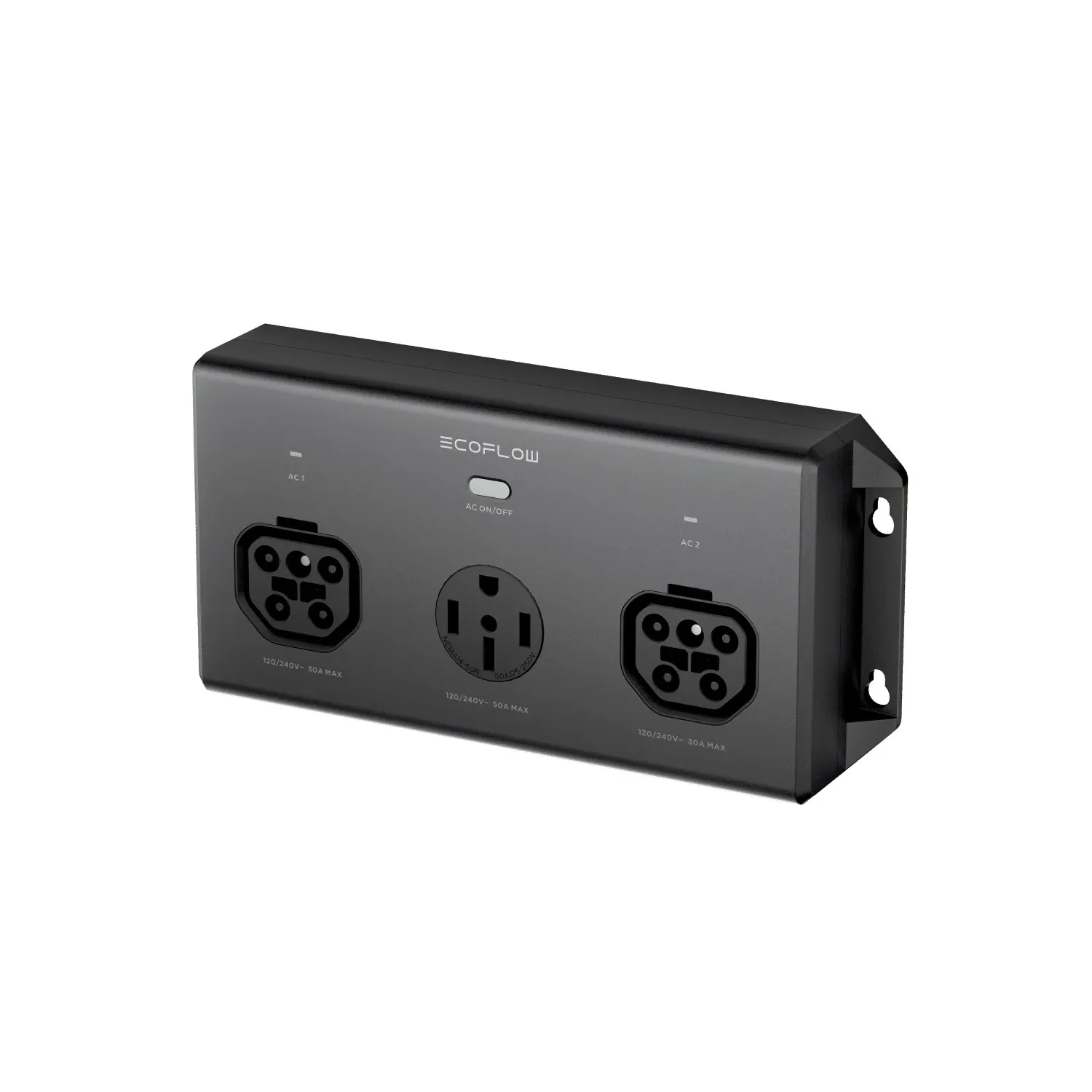
Confirm the plug type, power supply, extensions and power distribution you need.
Check the product page and booking details for the exact cables and accessories included.
Plan for parking, stairs, elevators and distance to set, especially with the 51.5 kg DELTA Pro 3.
Viva Camera's general starting point is the DELTA 3 Max. It has 2048Wh of capacity, 2400W of continuous output and weighs 20.3 kg. Choose the RIVER 2 Pro for laptops, monitors, audio gear and smaller lights. Choose the DELTA Pro 3 when you need more output or runtime and can handle the heavier rolling unit.
Add the wattage of everything that will run at the same time, then decide how many hours it needs to run. Watt-hours estimate runtime. Watts show whether the station can power everything at once. Leave extra capacity for power-conversion losses, changing power use and equipment that draws more power at startup.
Yes, if the lights' total continuous wattage and startup power stay within the EcoFlow station's limits. Add the ratings of every light and ballast that will run together. If the total is close to the limit, send Viva Camera your exact lighting list before you reserve.
Usually, but cooling fans can still be audible. Power stations have no engine, but their fans may run depending on the load, charging and temperature. Keep the station away from microphones and test its placement before recording.
Use the Reserve equipment button to jump to the booking section. Choose your dates to see the current price and availability for each power station.
Pick up at Viva Camera, 1-777 The Queensway in Toronto. Same-day pickup works on in-stock gear when you book before close.
Ready to reserve?
Choose your dates and reserve online for pickup at 1-777 The Queensway, Toronto. If you are unsure which station you need, call or text us with your equipment list.