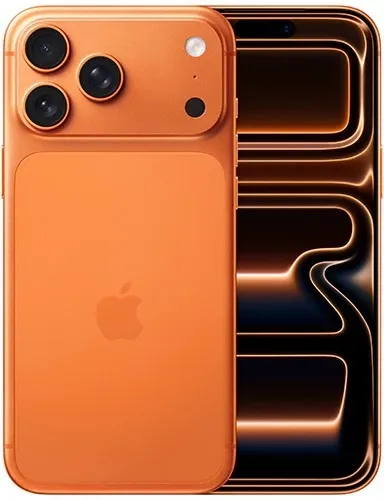
iPhone 17 Pro Max
Choose this for vertical or horizontal social video, app demos and quick review or posting from the phone.
Social video.png)
Rental guide
Choose compact cameras for social video, solo shoots, point-of-view, action and 360 content. Compare the current lineup, plan your sound and decide how you will edit the footage. Then choose dates to see current rates and availability.
Five cameras for five types of shoots. Scroll to compare.
Quick answer
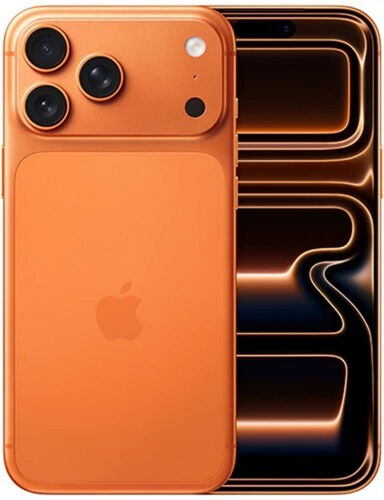
Choose this for vertical or horizontal social video, app demos and quick review or posting from the phone.
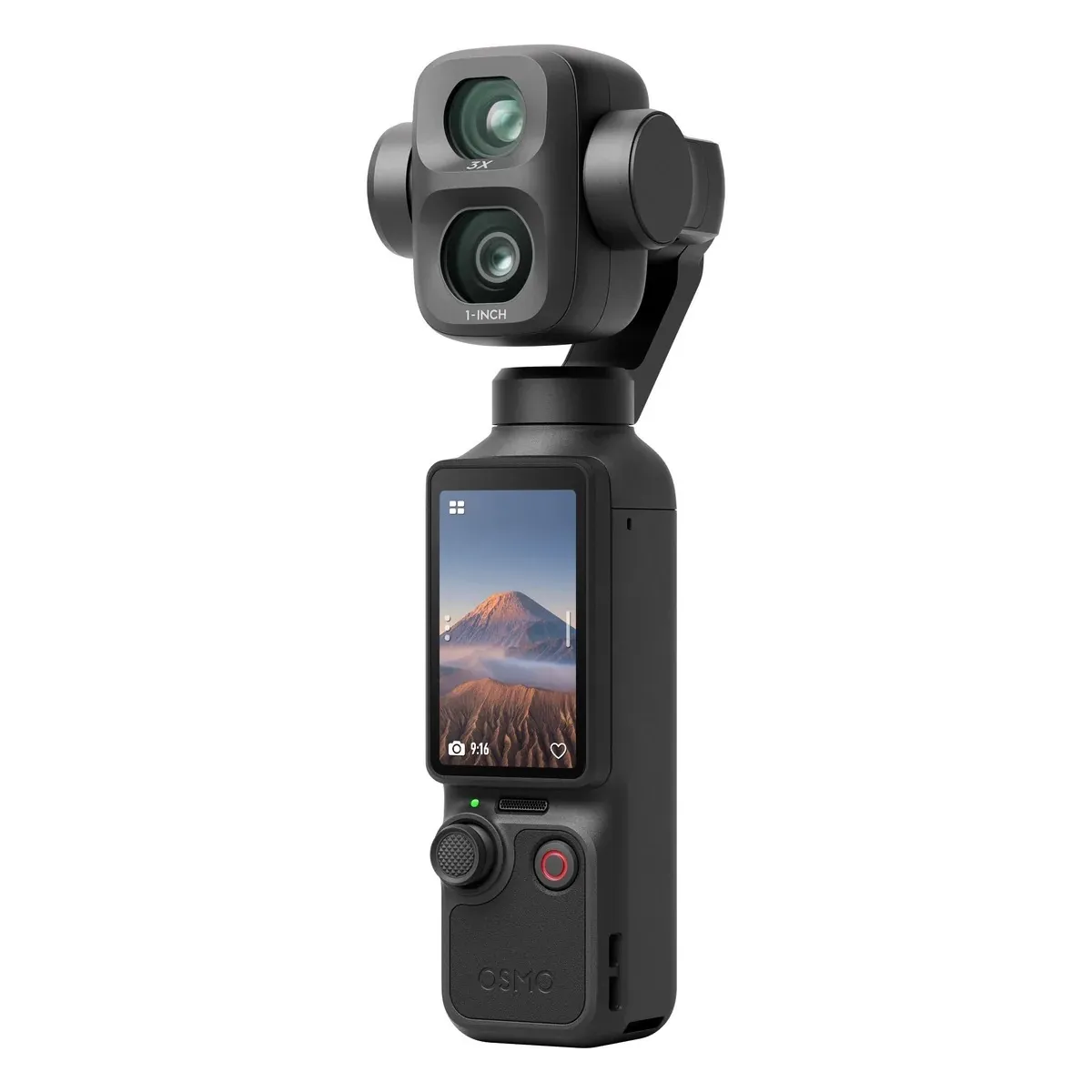
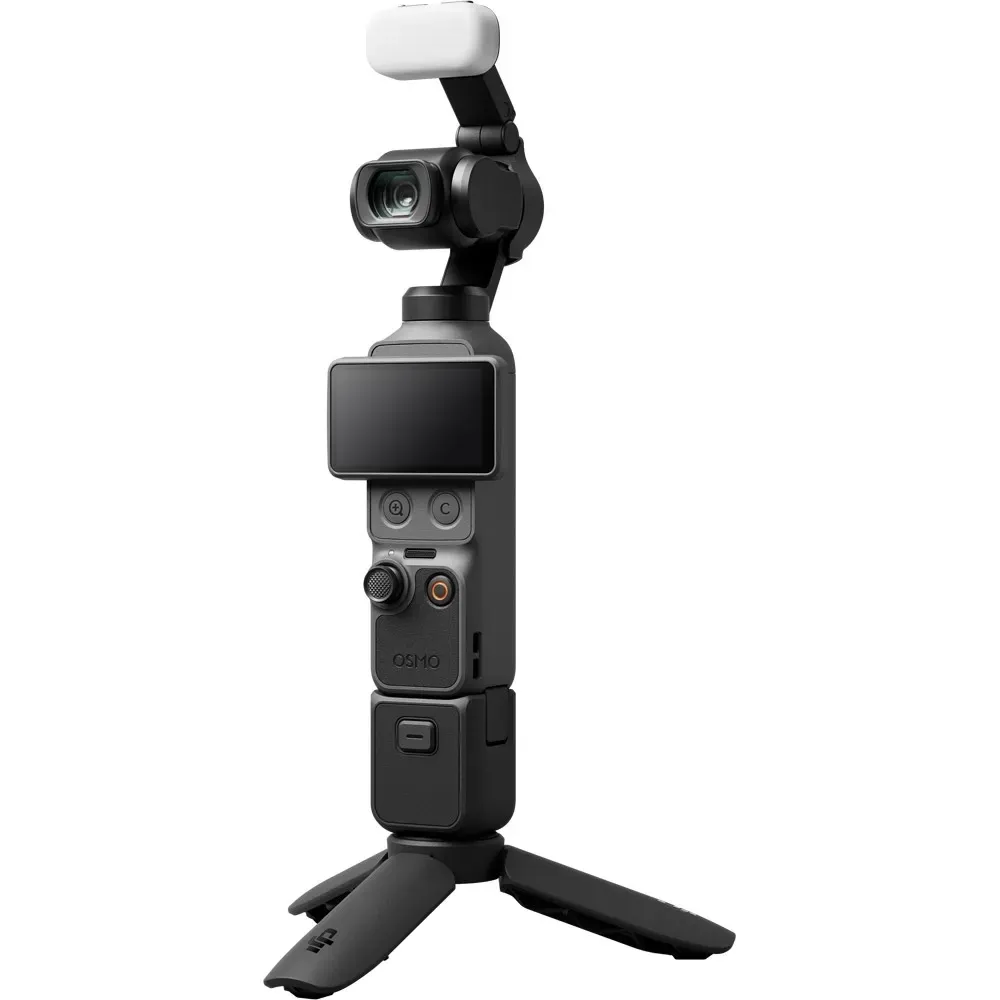
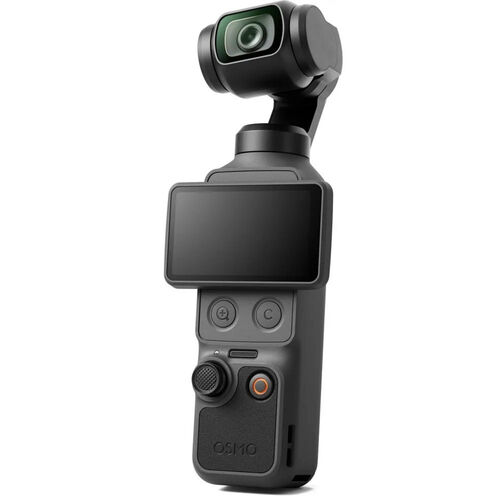
Social videoChoose this for a presenter, walk-and-talk or behind-the-scenes shoot that needs smooth movement from a small camera.
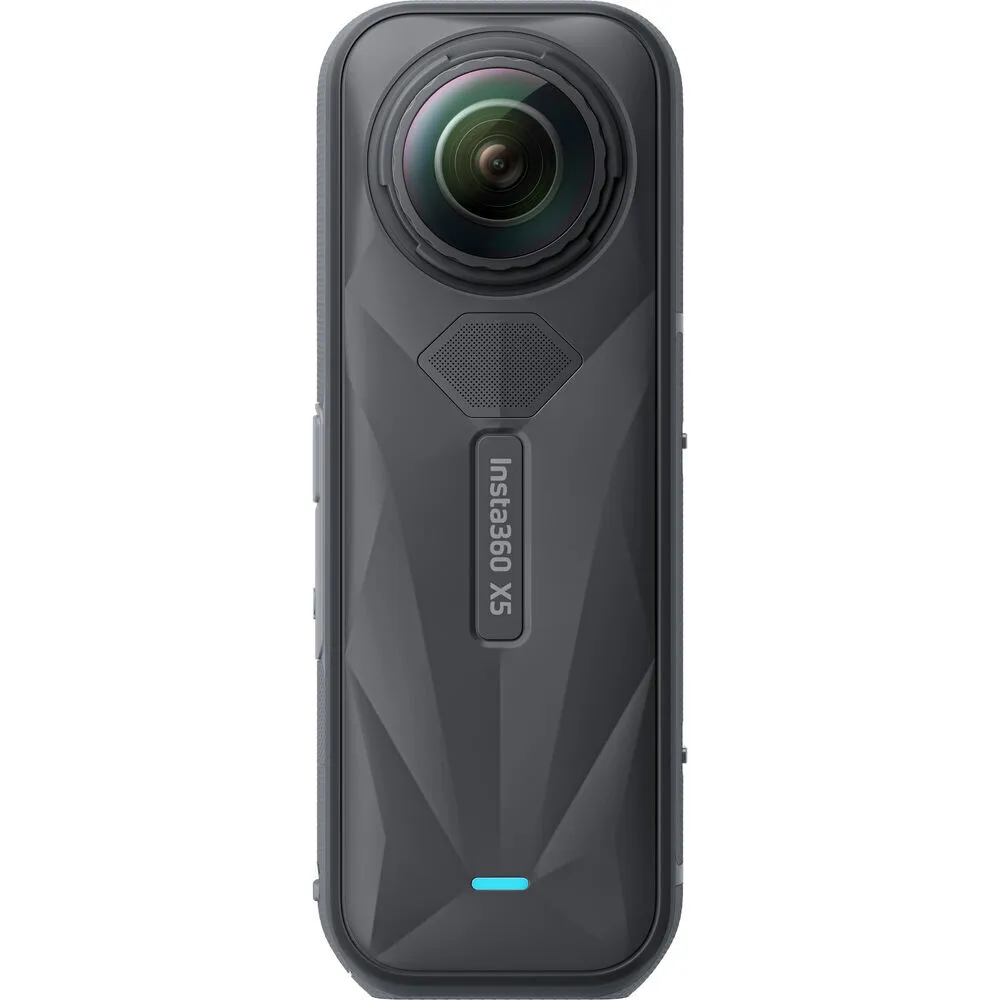
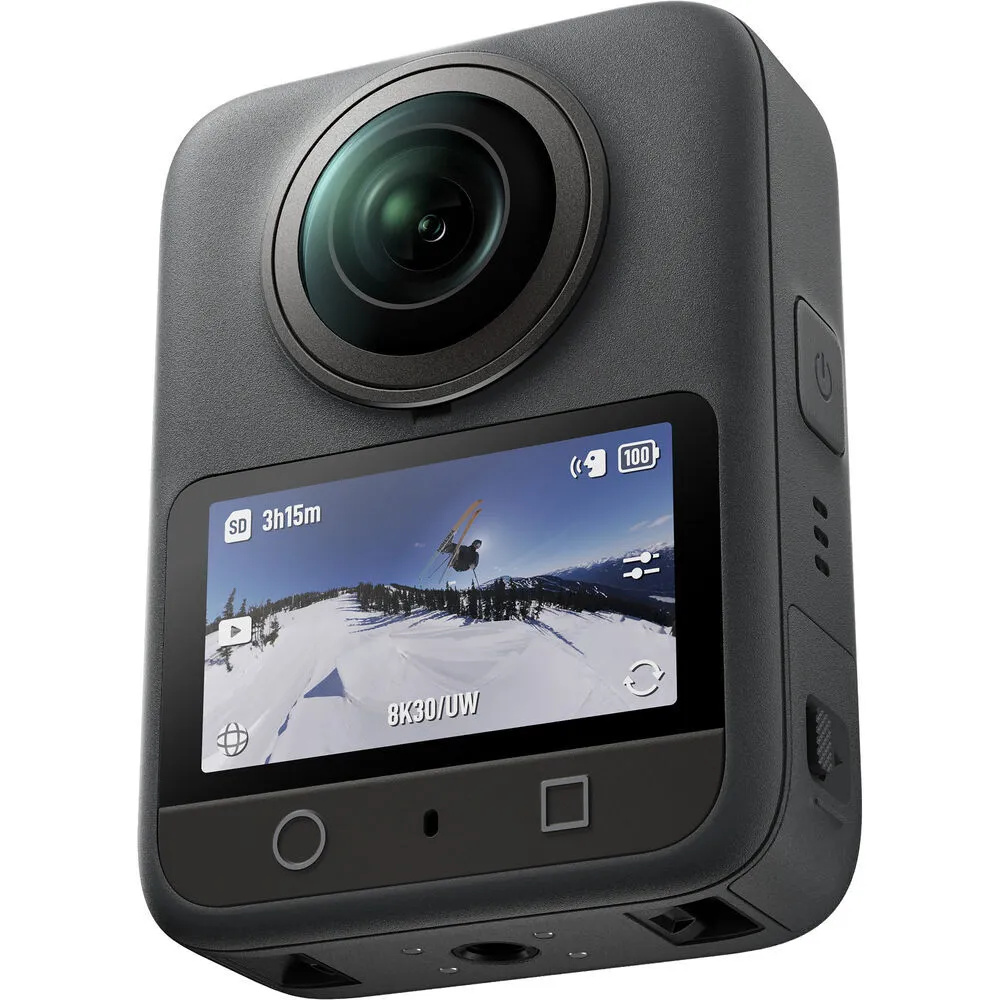
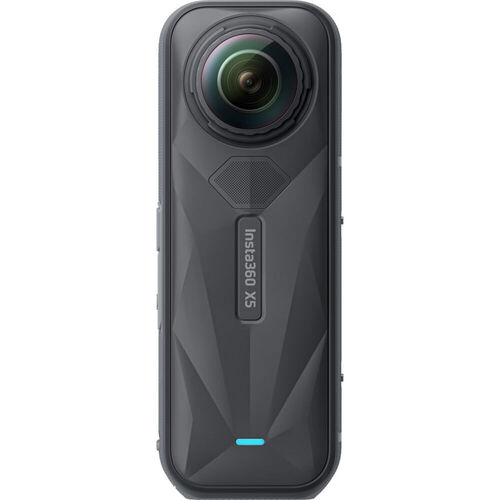
Solo + stabilizedCompare the Insta360 X5 and DJI Osmo 360 when you want to capture the full scene and choose the angle later. Start with the editing tools your team uses.
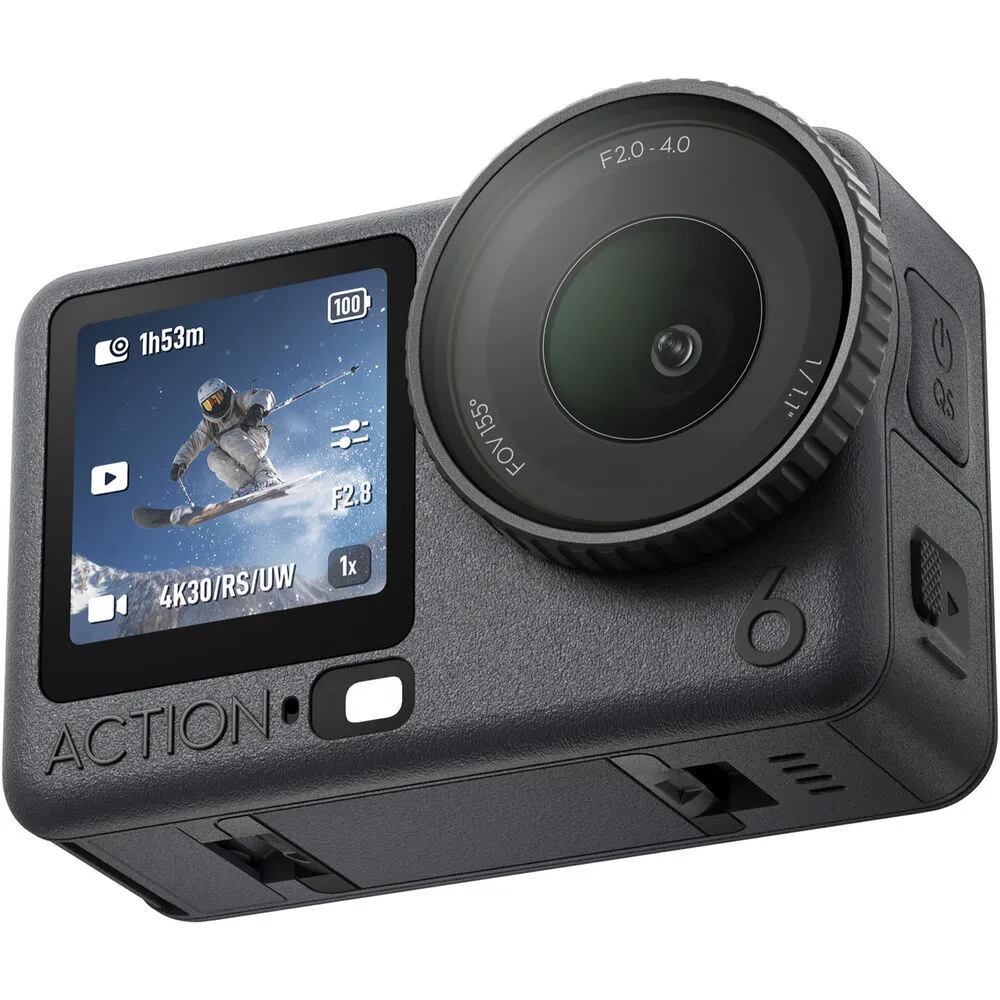
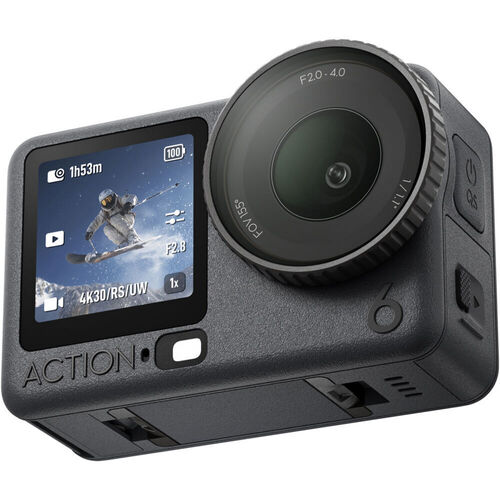
Reframe laterChoose this when the camera needs to be mounted, exposed to water or used in a high-movement setup.
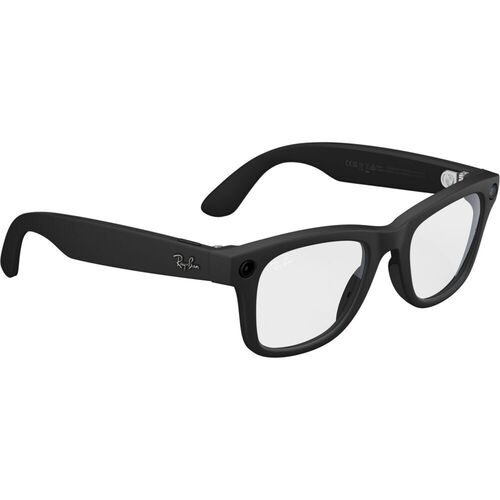
Rugged POVChoose this for short first-person clips when wearing the camera is more useful than holding or mounting one.
Hands-free POVCamera guide
These cameras are made for different jobs. Start with the kind of shot, how the camera will move, how you will record sound and how you will edit.
| Compare | Social videoiPhone 17 Pro Max | Solo + stabilizedOsmo Pocket 4 | Rugged POVOsmo Action 6 | Reframe laterInsta360 X5 |
|---|---|---|---|---|
| Best fit | Social video, app demos and mobile review | Presenter, walk-and-talk and compact solo coverage | Mounted, wet or high-movement action | Capture everything, then choose the angle later |
| Camera movement | Handheld or supported | Compact stabilized capture | Mounted or handheld action capture | Handheld or mounted 360 capture |
| Framing | Choose vertical or horizontal before capture | Choose vertical or horizontal before capture | Point the camera toward the shot | Choose direction and aspect ratio in post |
| Audio starting point | Built-in sound, a compatible microphone or separate audio | Confirm the exact kit, microphone and separate-audio needs | Built-in sound, a compatible microphone or separate audio | Built-in sound, a compatible microphone or separate audio |
| Editing | Review on the phone or move the files to your editor | Move the camera files into your editing app | Move the action-camera files into your editing app | Stitch and reframe before the final edit |
| Confirm before booking | Framing, sound, power, storage and file transfer | Kit contents, sound, storage and framing | Mount, waterproofing, recording mode and storage | Editing software, mount, lens protection, storage and final format |
Another pocket-camera kit:DJI Osmo Pocket 4P Vlog Combo is also in the live collection. Compare the included accessories before booking.
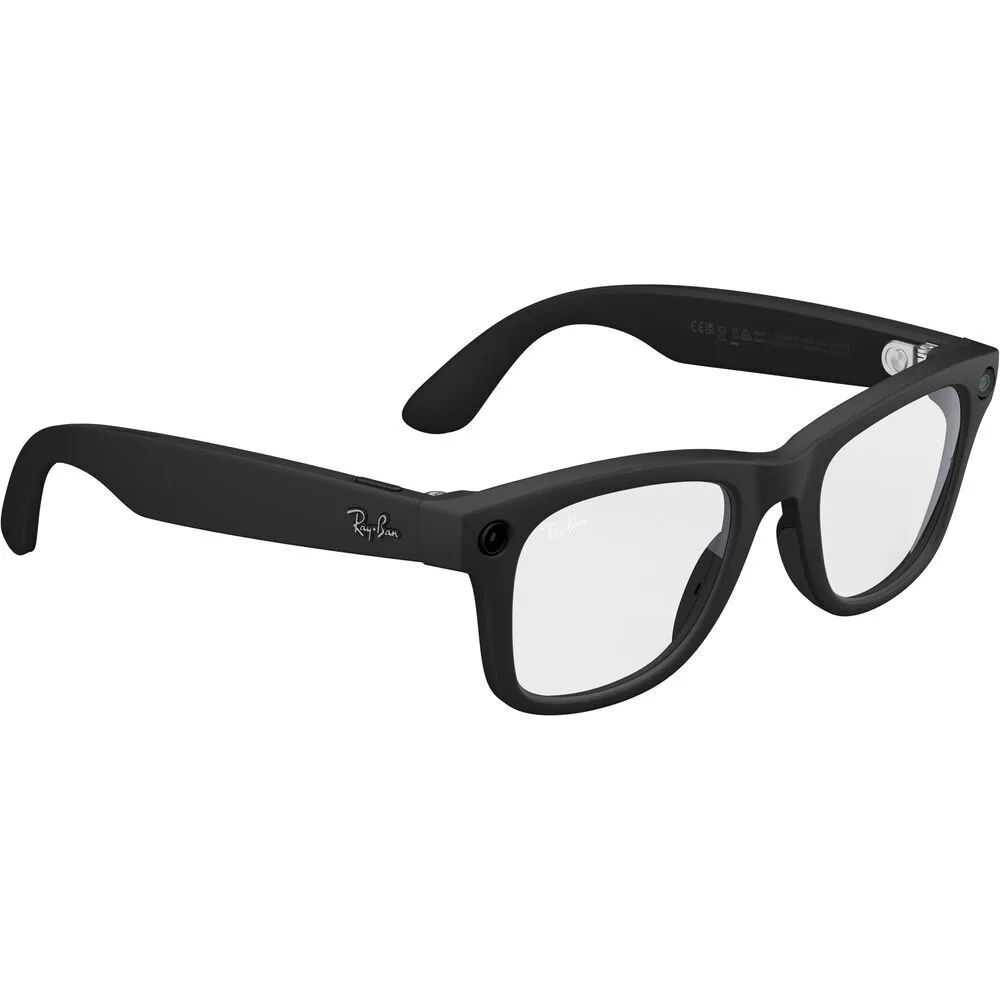
Use Meta Ray-Ban Wayfarer glasses when the camera needs to follow the wearer's point of view for short clips.
Start with the editing tools your team uses, then confirm the recording and mounting details.
A practical starting point when your editor already uses Insta360 tools.
View Insta360 X5A practical starting point when your editor already uses DJI tools.
View DJI Osmo 360Confirm for either camera: recording mode, frame rate, editing software, stitching, reframing, mounts, lens protection, media, power and final format.
Common shoots
Start with the kind of shot. Then confirm how you will record, mount and edit the footage.
Use the iPhone when you want to shoot, review and post from one device.
Confirm vertical or horizontal framing, sound, power, storage and how you will move the files.
Use a pocket gimbal camera when one person needs smooth moving shots without carrying a larger rig.
Confirm how many microphones you need, your framing, your media and what comes in the rental case.
Use a 360 camera when you want to choose the angle or aspect ratio after the shoot.
Choose based on the editing software your team uses, the recording mode you need and how you plan to finish the video.
Use an action camera when it needs to be mounted, may get wet or has to move with the action.
Confirm the mount, waterproofing, recording mode, storage, power and how sound will be recorded.
Use camera glasses when you want the shot to follow the wearer's point of view.
Confirm clip length, consent, battery, storage and whether the image quality is right for the final video.
Capture plan
The camera is only one part of the setup. A little planning helps you avoid missing a mount, microphone, memory card or editing step.
Decide whether the camera points in one direction or captures 360 degrees for reframing later.
Choose handheld, built-in gimbal, mounted action or wearable capture based on the shot.
Confirm whether built-in audio is enough or whether the shoot needs a wireless microphone or separate recorder.
Know whether you will post quickly, move the footage to an editing app or stitch and reframe it first.
Setup selector
Answer three questions about the shot, editing and sound. We will suggest a current product when there is a clear fit. If there is not, we will tell you what kind of camera to compare.
Recommended starting point
iPhone 17 Pro MaxRecommended cameraStart here for social video you want to shoot vertically or horizontally, review on the phone and post quickly.
You can shoot, review and post on one familiar device.
Confirm framing, sound, power, storage, file transfer and any extra recording gear. Confirm how you will move the files to the app or device used for editing and publishing.
Current availability is confirmed after you choose dates in the booking section.
Decide whether the final video is vertical, horizontal, square or a mix. A 360 camera lets you choose the frame later, but it adds another editing step.
Confirm whether the selected kit includes a compatible microphone and whether the shoot needs one speaker, multiple speakers or separate sound.
Recording mode, frame rate, clip length, screen use and wireless accessories all affect storage and runtime. Confirm both before pickup.
Rental checklist
Bring your shot list. Tell us the final format, how the camera will move, how you will record sound and how you will edit.
Confirm whether you need vertical, horizontal, square, 360 or more than one version.
Plan handheld, stabilized, mounted, wearable or fixed capture.
Confirm built-in sound, wireless microphone or separate recording.
List the tripod, clamp, suction mount, cage or wearable position needed.
Estimate recording time, storage, charging and battery changes.
Confirm file transfer, editing, stitching or reframing, colour work and final resolution.
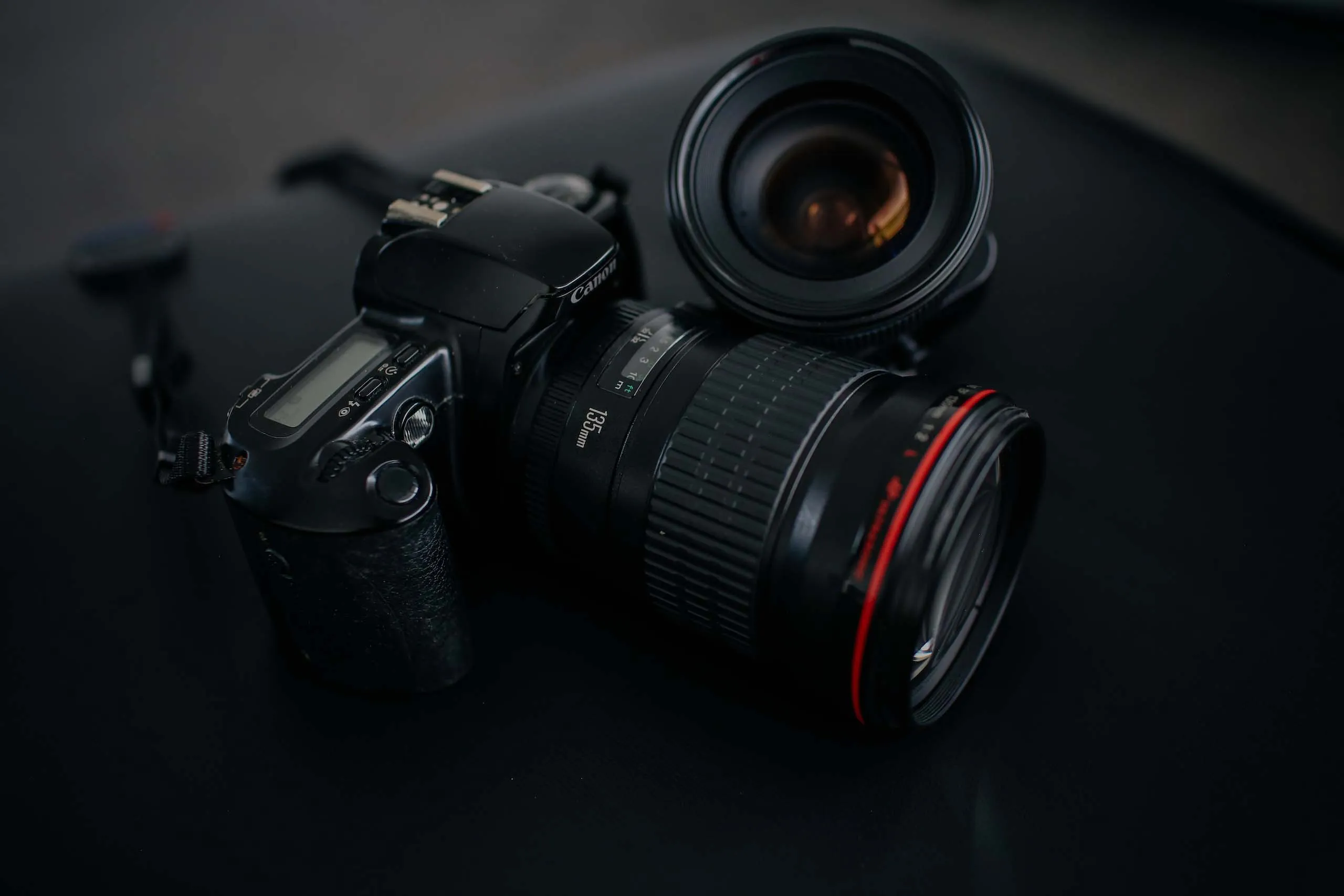
Choose by the kind of shot. Use the iPhone 17 Pro Max for social video you want to shoot, review and post on a phone. Choose Osmo Pocket 4 for smooth solo coverage, an action camera for mounted or wet point-of-view shots, a 360 camera when you need to choose the angle later, or Meta Ray-Ban glasses for short hands-free clips.
Choose the iPhone when you want to shoot, review and post from one device. Choose an Osmo Pocket 4 kit when you need smooth moving shots from a small camera with a built-in gimbal. Confirm framing, sound and editing before deciding.
An action camera records the direction it is pointed. A 360 camera records the scene around it so you can choose the angle later. You will also need to stitch and reframe 360 footage in editing software.
The current collection includes the Insta360 X5 and DJI Osmo 360. Choose after confirming the editing software, recording mode, frame rate, colour workflow and final format. The setup planner keeps this as a comparison until those details are clear.
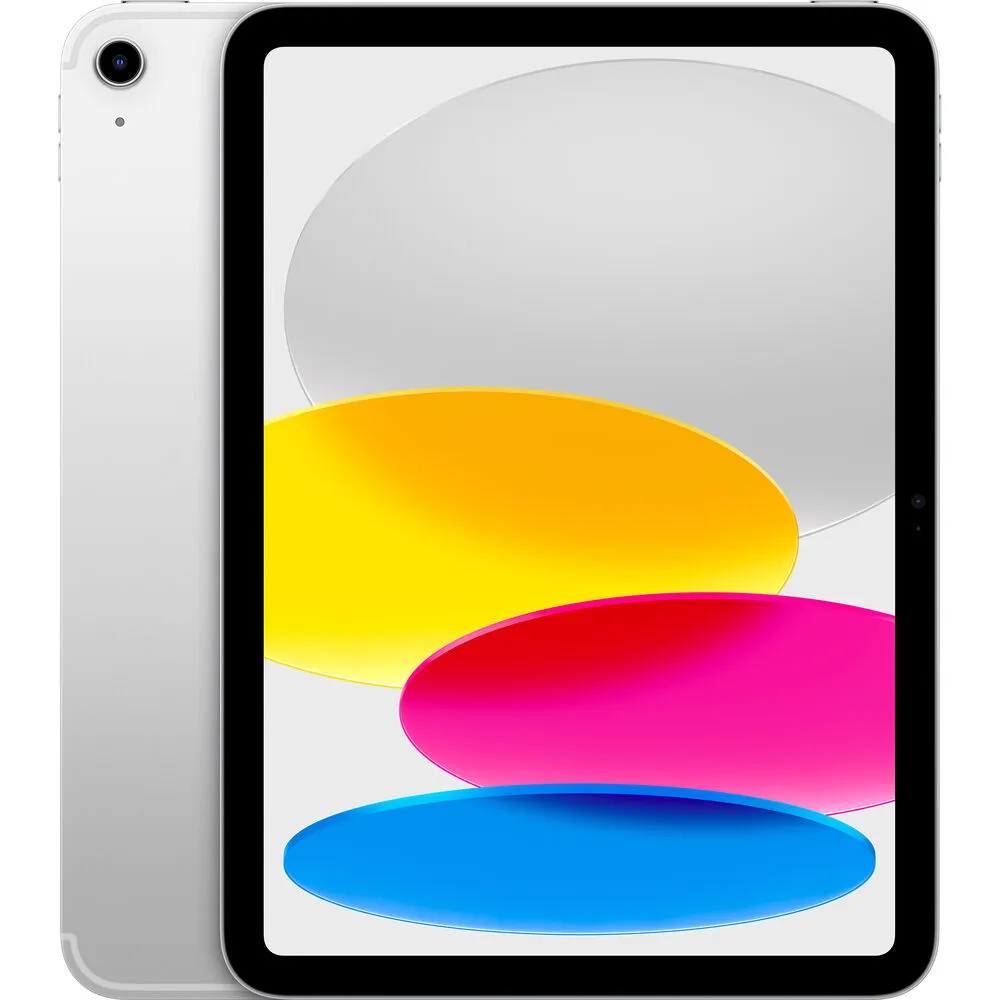
Yes. The current collection includes an iPhone 17 Pro Max and an 11-inch iPad A16. Use the iPhone as a camera. Use the iPad for prompting, reference, review or other screen-based work.
Yes. The current Meta Ray-Ban Wayfarer rental is a hands-free first-person option. Confirm clip length, storage, battery, consent and whether the image quality fits the final video.
Included microphones, mounts, cases, cables, media and accessories vary by product. Read the exact product page and reservation details before booking, then add any required audio, tripod, lighting or support.
Use the Reserve equipment button and choose dates in the booking section below. The current price and availability will appear for each product.
Pickup is available at Viva Camera, 1-777 The Queensway in Toronto. Live online GTA delivery quoting is coming soon. Delivery will be subject to availability. Until it launches, plan for pickup.
Ready to reserve?
Choose your dates for pickup at 1-777 The Queensway, Toronto. If you are unsure which camera fits, call or text us with the kind of shot, camera movement, sound and final video format.